 2D graph shapes
Create filled shapes from anchors, links, holes, and imported SVG-like contours.


Unity editor mesh tool
Draw anchors, adjust Bezier tangents, generate geometry, then keep the object editable. The tool is built for concrete production tasks: gears, roads, pipes, signs, custom profiles, repeated props, and SVG-like mesh import.
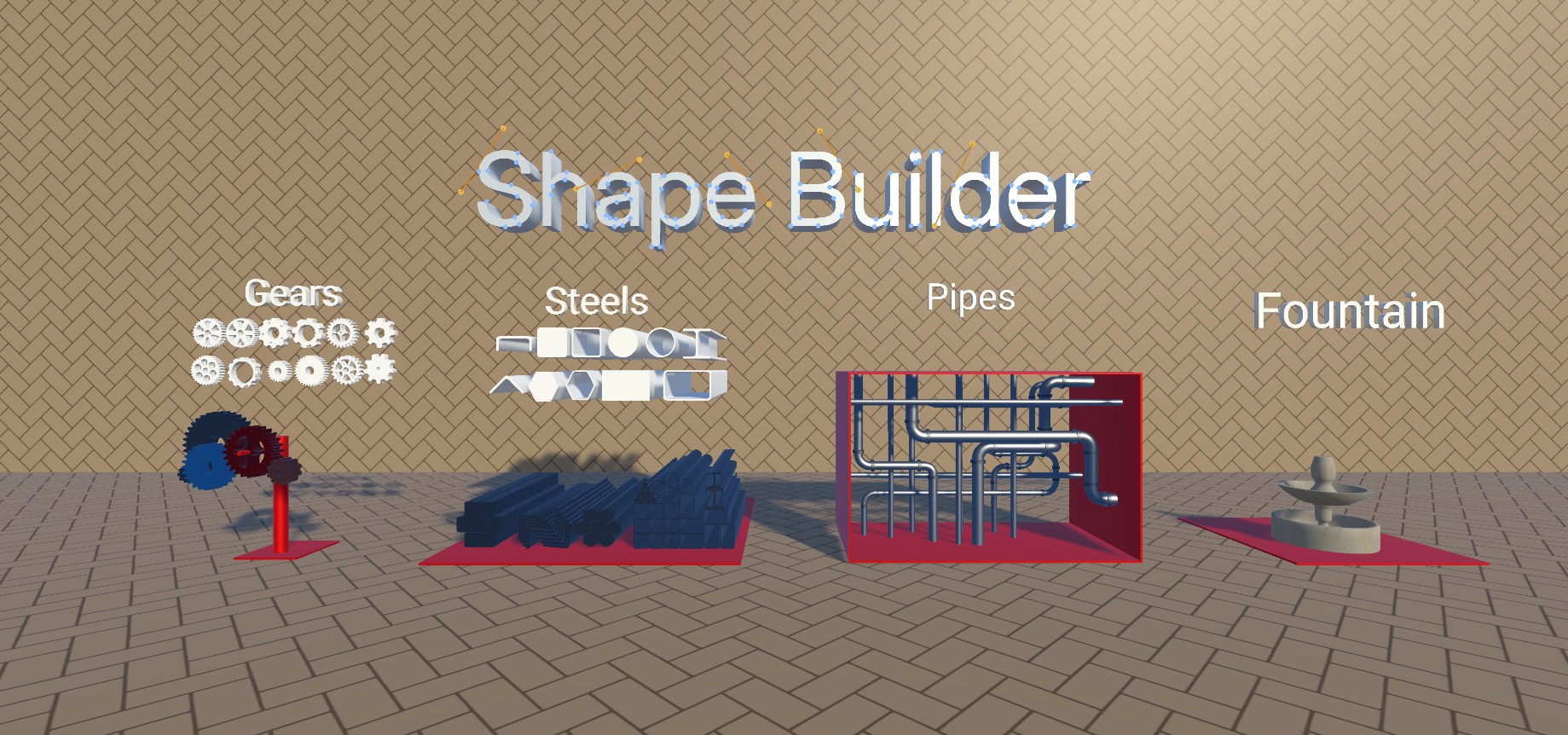
What it is
ShapeBuilder is not just a set of final prefabs. It gives you editable construction data: points, links, curves, profiles, mesh settings, and UV settings.
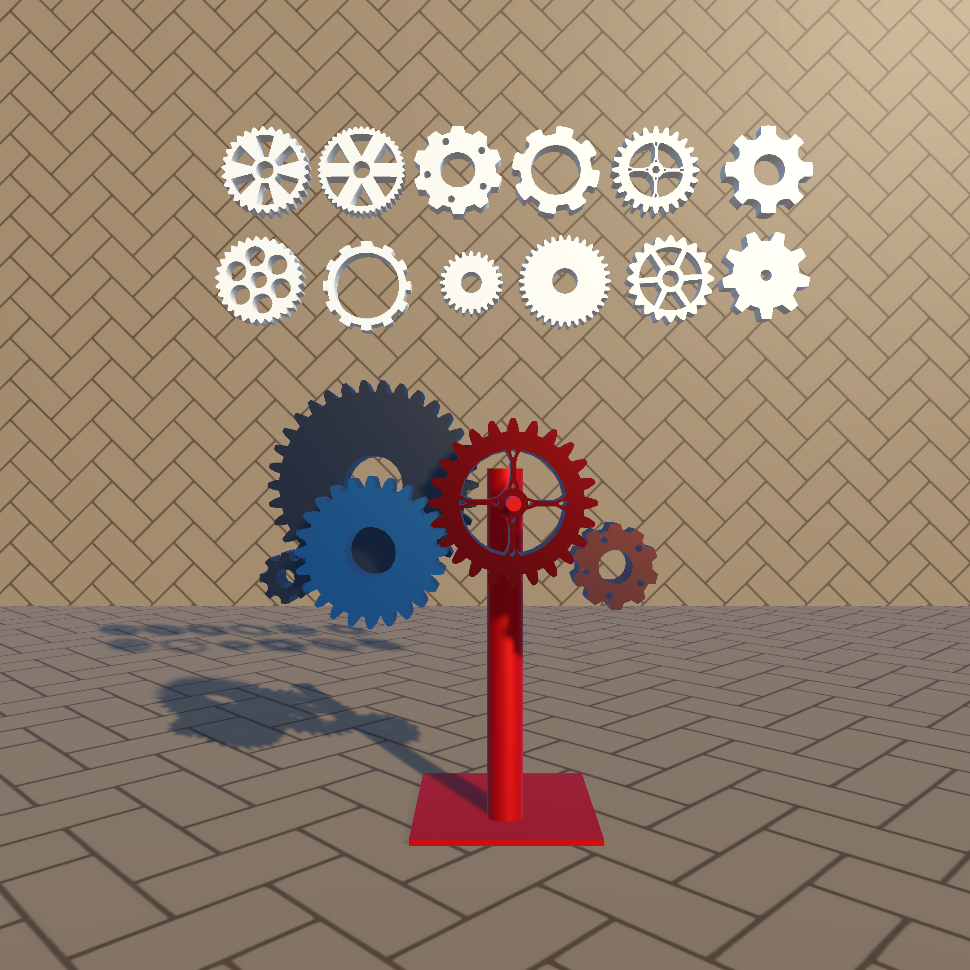
2D graph shapes
Create filled shapes from anchors, links, holes, and imported SVG-like contours.
 Bezier outline shapes
Extrude outlines along Bezier paths for pipes, roads, rails, frames, and decorative geometry.
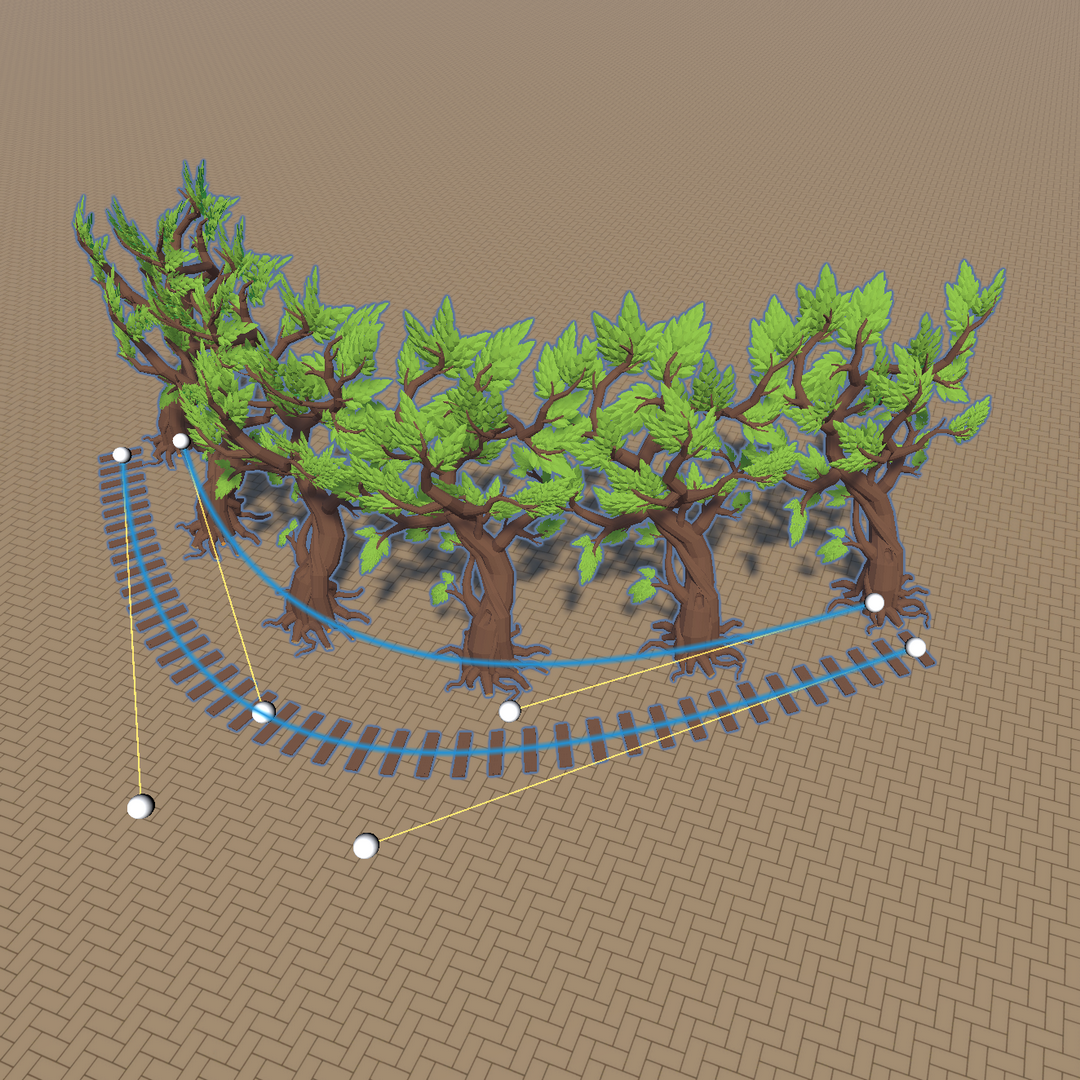 Spline placement
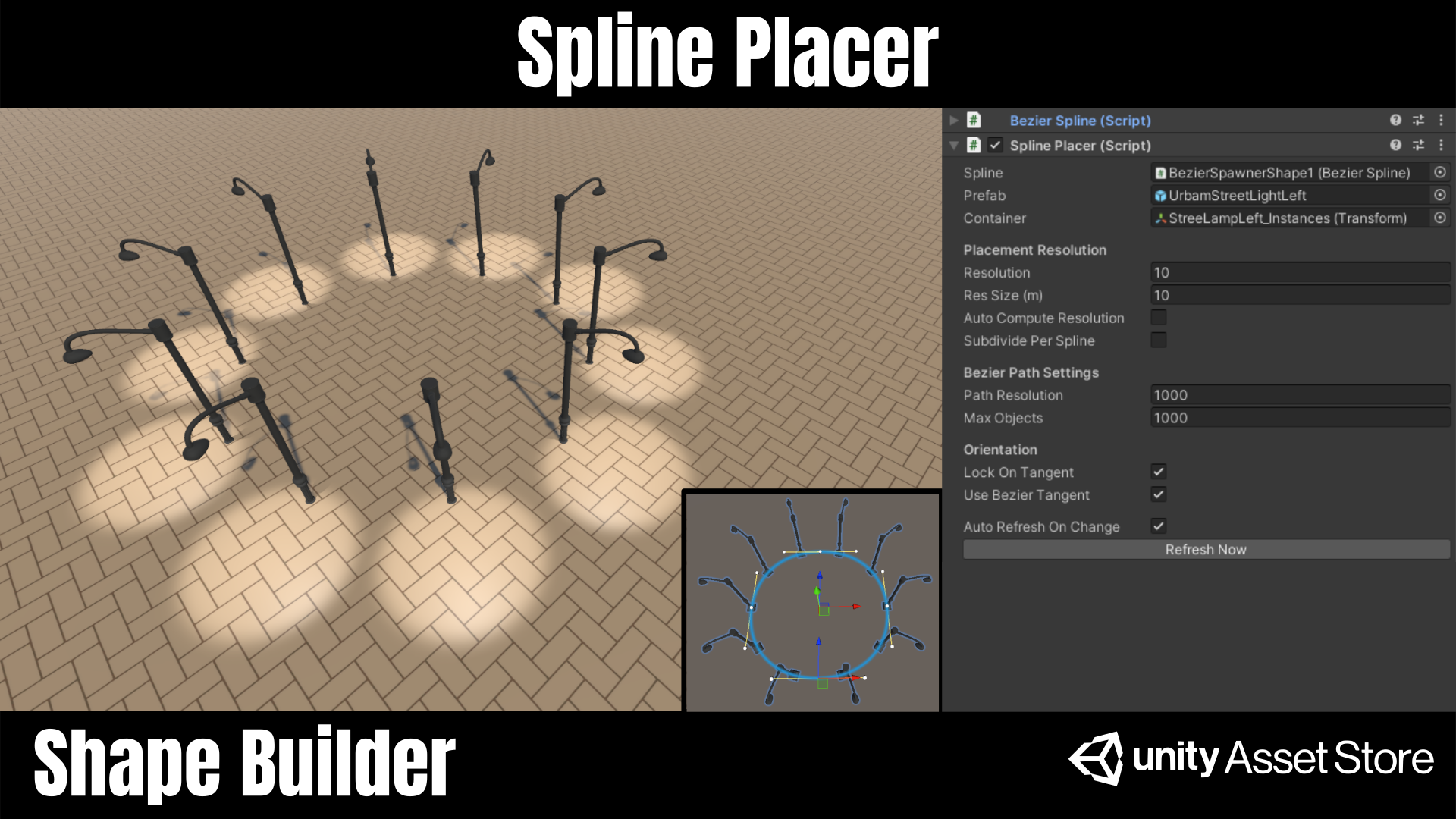
Place repeated prefabs along curves with distance, tangent, and resolution controls.
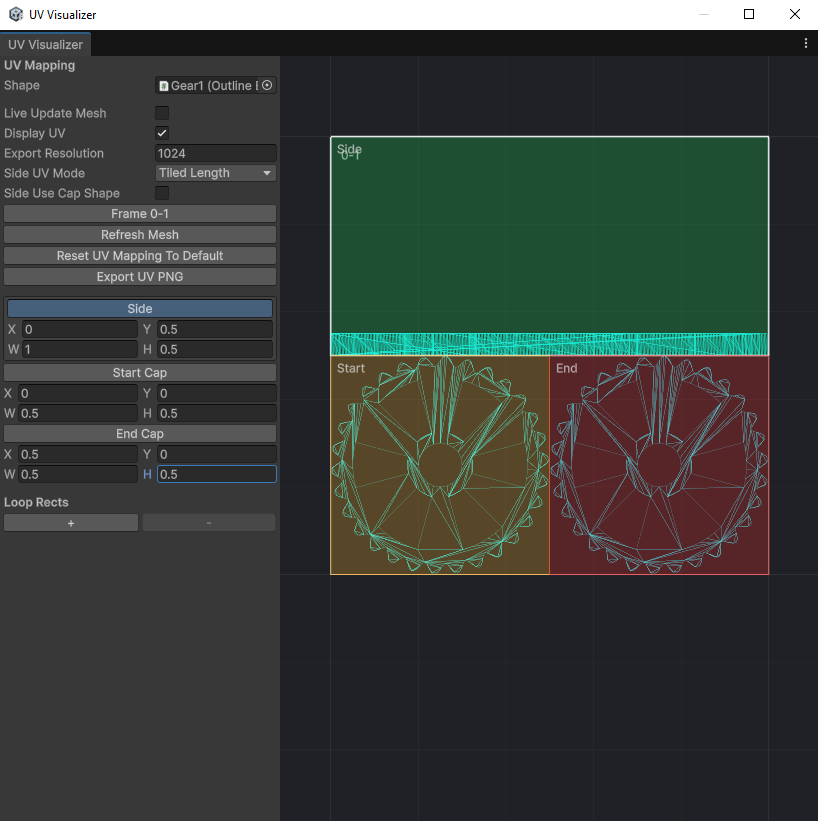 UV workflow
Preview cap, side, loop, linear, and planar UV mapping for texture-ready generated meshes.
How to use it
Create a graph shape in Unity, place Bezier anchors, or import an SVG-like contour.
Move anchors, tune tangents, link points, resolve intersections, and keep the source editable.
Build a 2D mesh, extrude an outline, add caps, create holes, or place prefabs along the curve.
Adjust resolution, smoothing, materials, UV mapping, and refresh the generated mesh.
Main tools
Each tool has a specific job. The point of the site is to show both the editing workflow and the final objects it can produce.
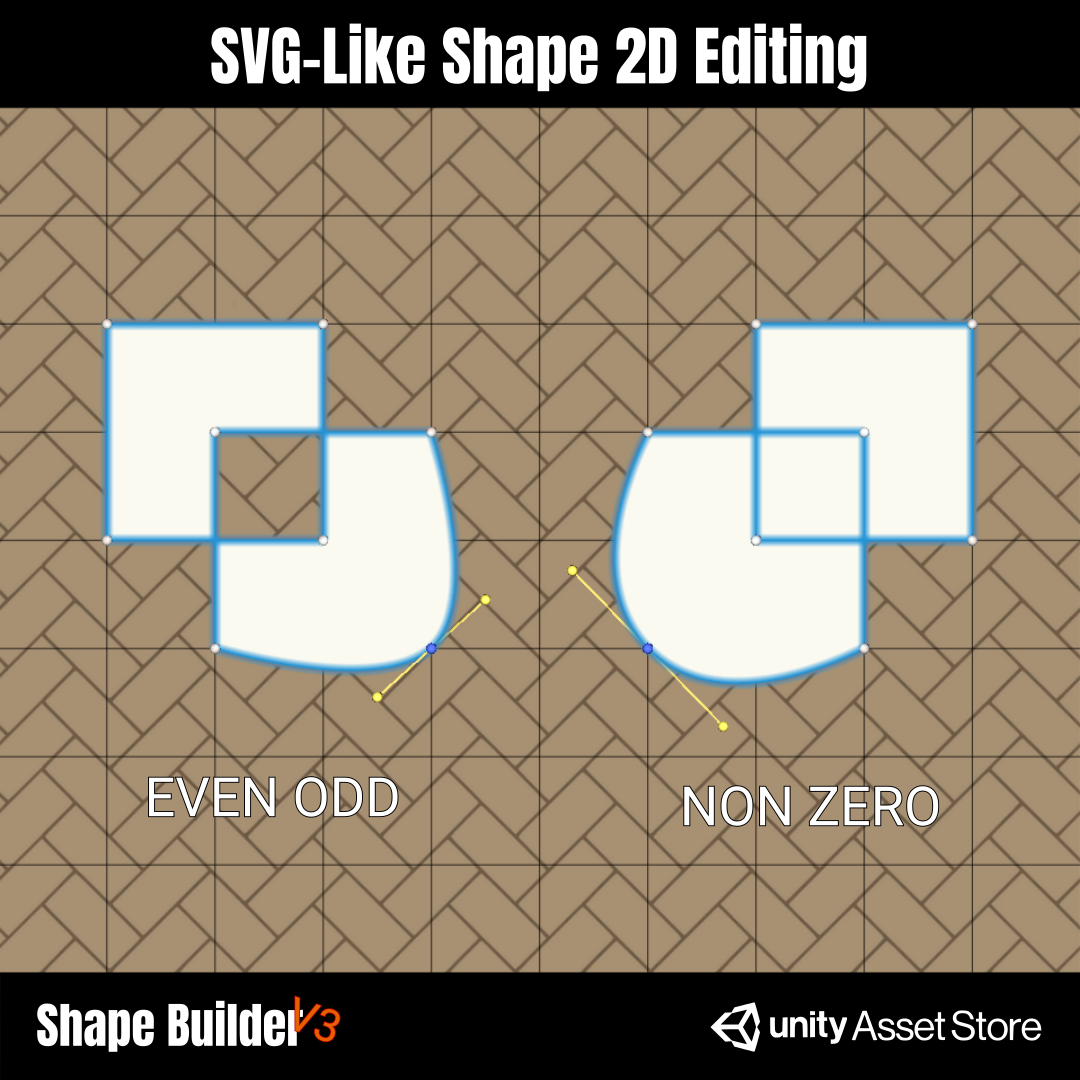
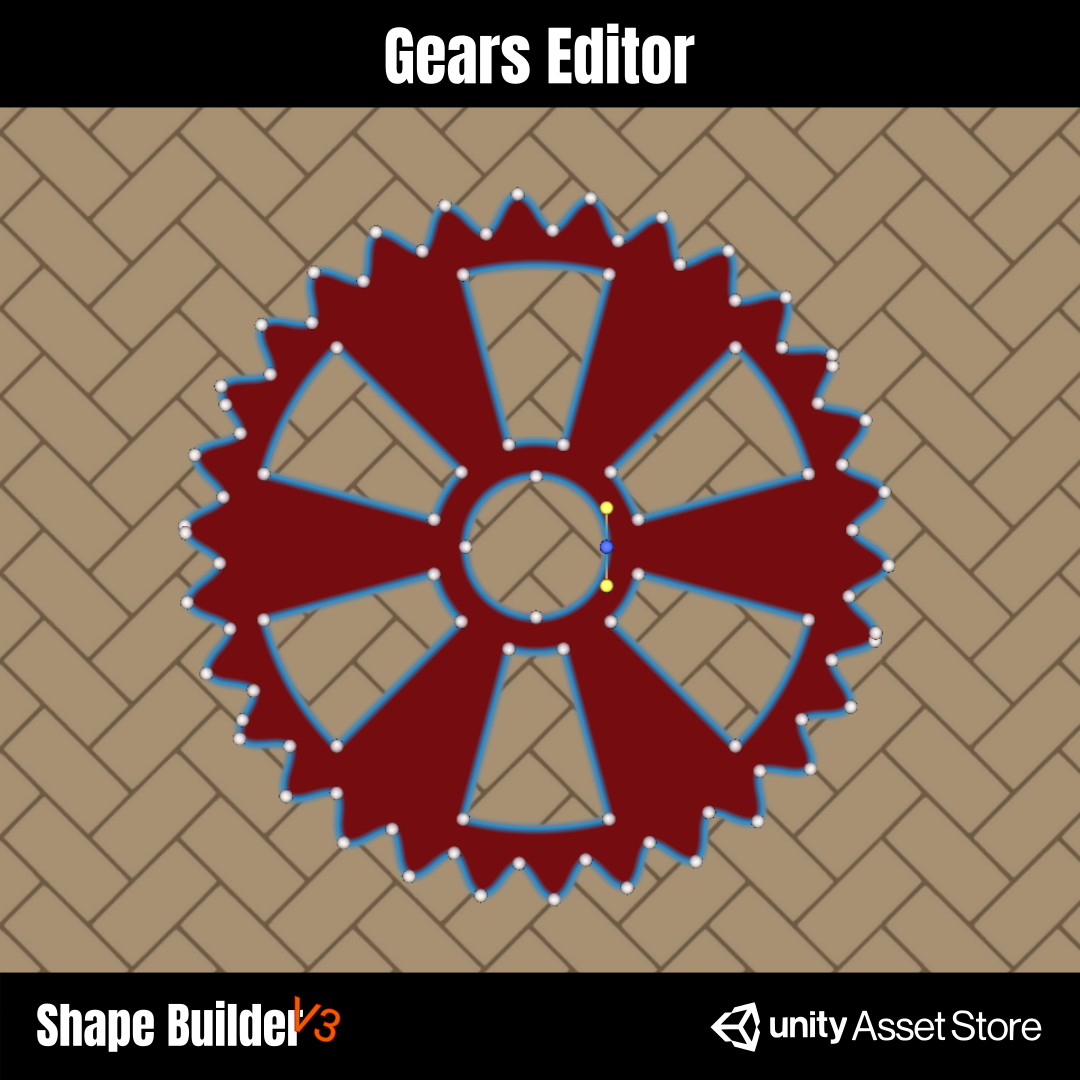
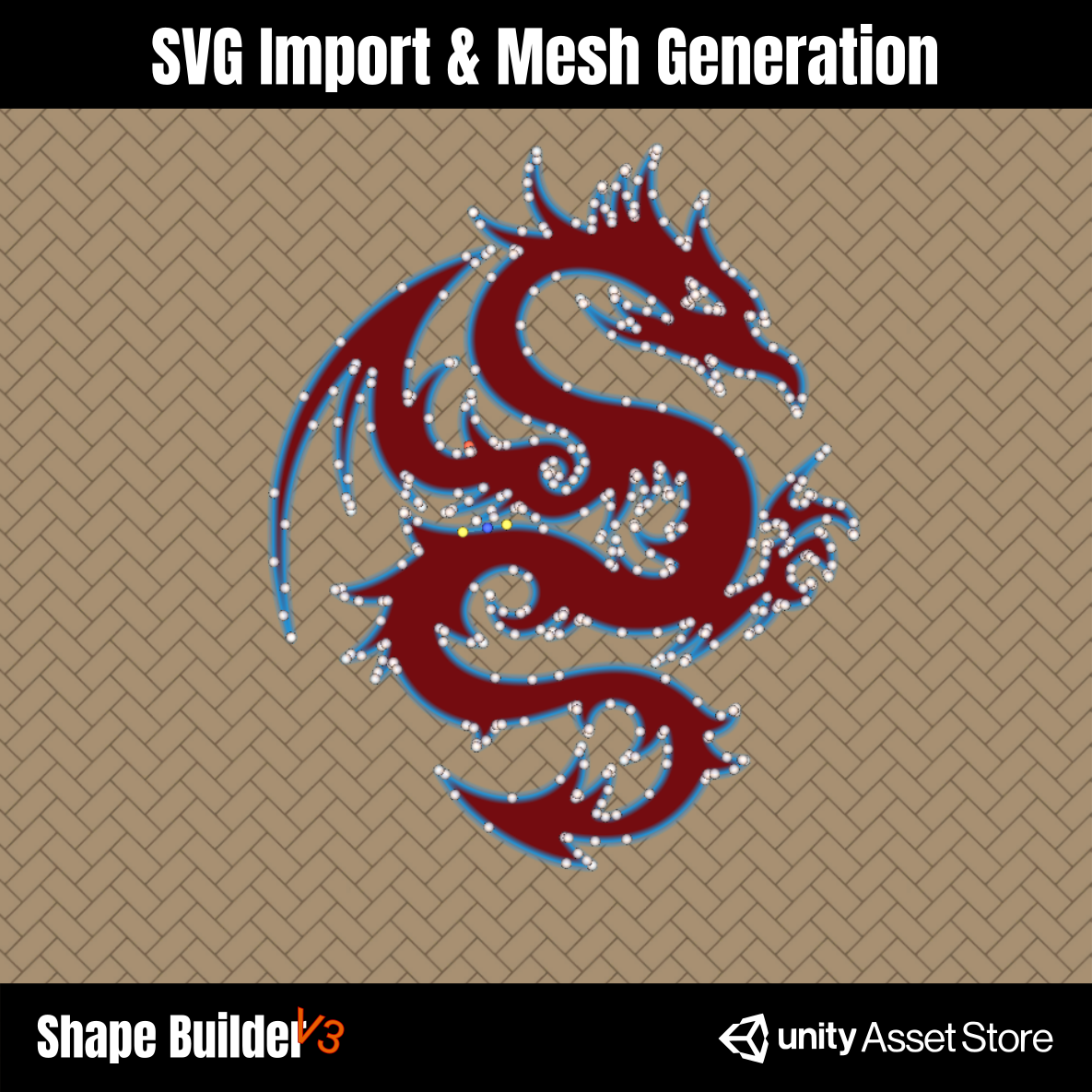
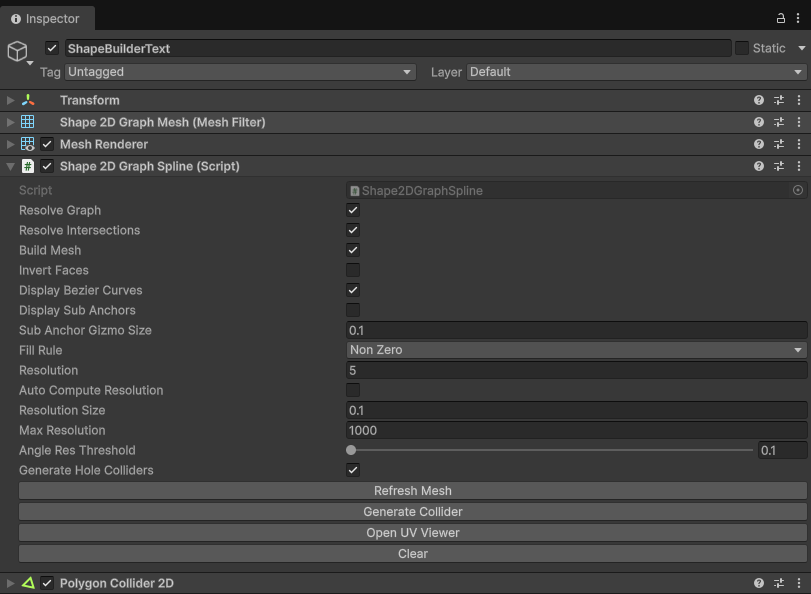
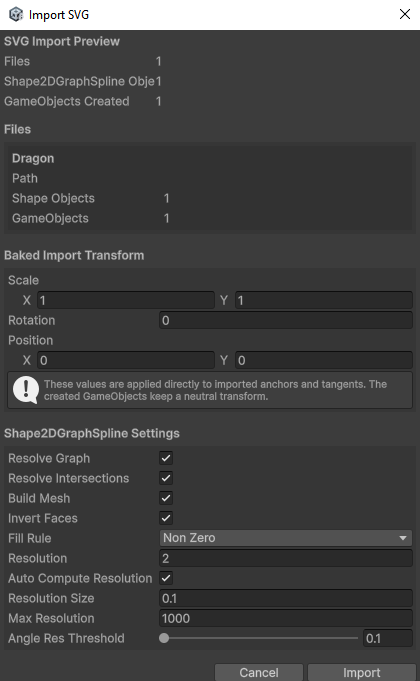
Build filled 2D meshes from editable graph anchors. Internally, ShapeBuilder works with paths, close to an SVG workflow: each path stores its own anchors and links, then the graph is resolved into loops before the mesh is generated.
For complex filled shapes, Shape2DGraphSpline supports two build rules:
Even Odd and Non Zero. This helps handle holes,
nested contours, and imported SVG-like shapes with predictable results.

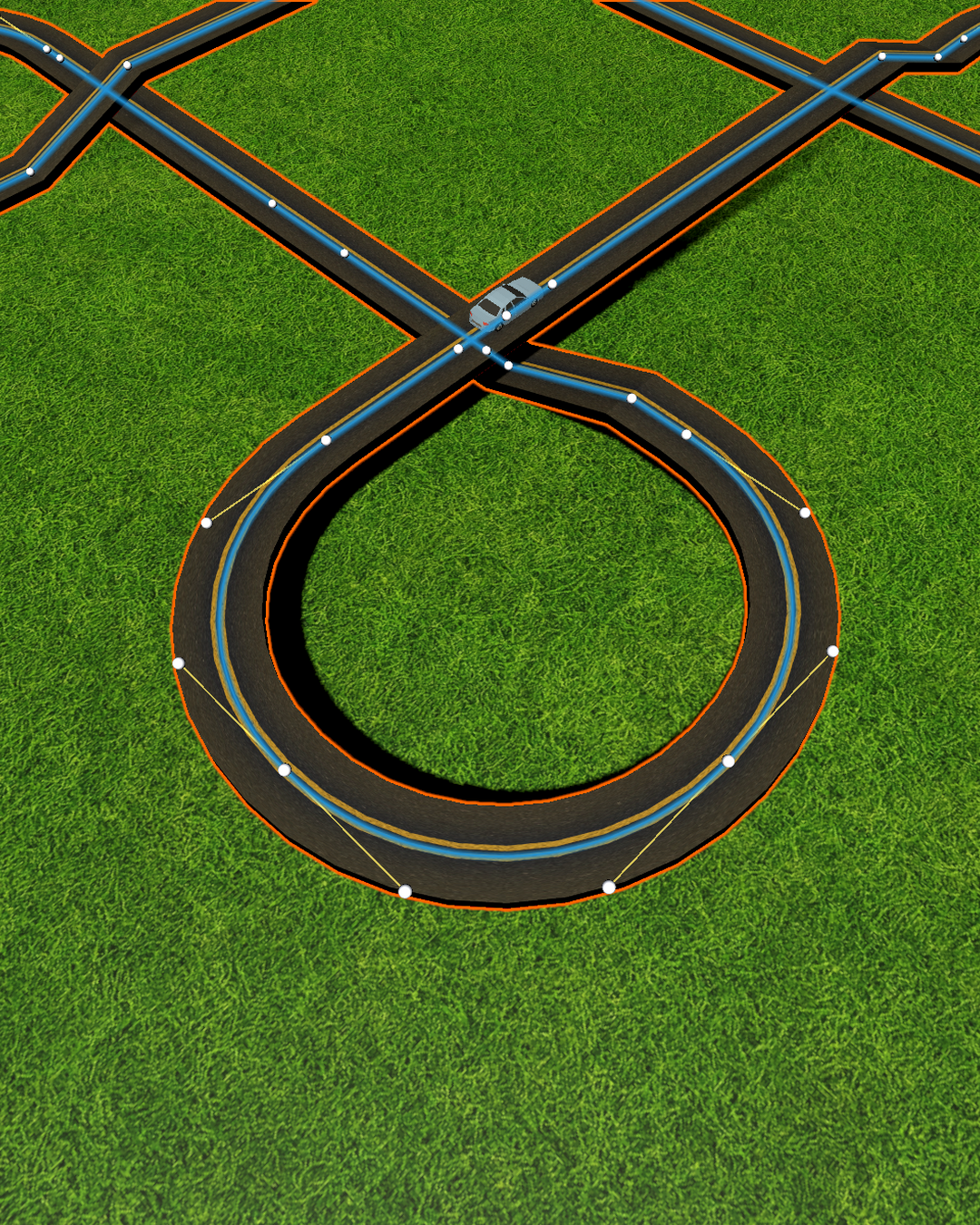
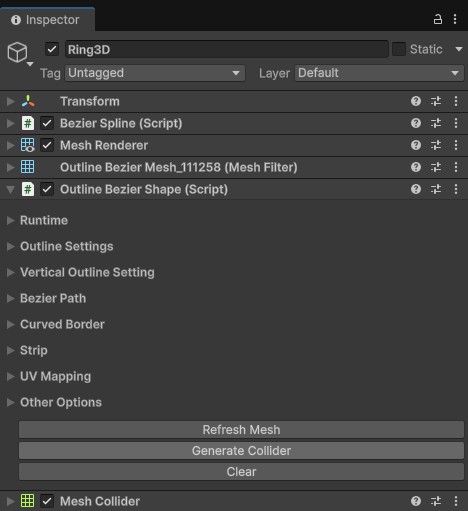
`OutlineBezierShape` starts from a 2D base profile and extrudes it along a spline. The result is a 3D mesh that still keeps the path and profile settings editable.
The 2D base can be generated directly from the component as a configurable regular convex polygon, with or without a hole. When a custom profile is needed, a `Shape2DGraphSpline` can also be assigned as the 2D base.
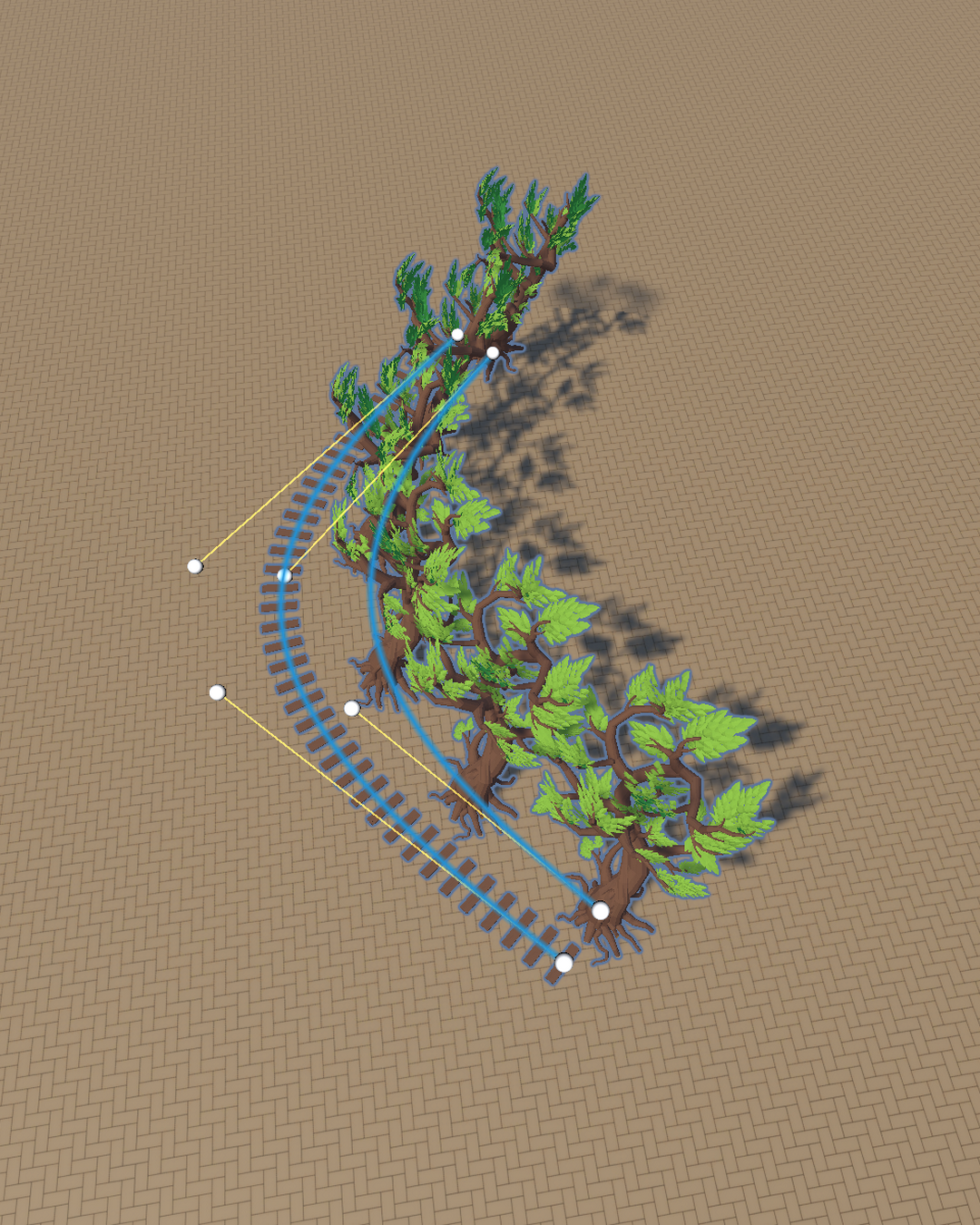
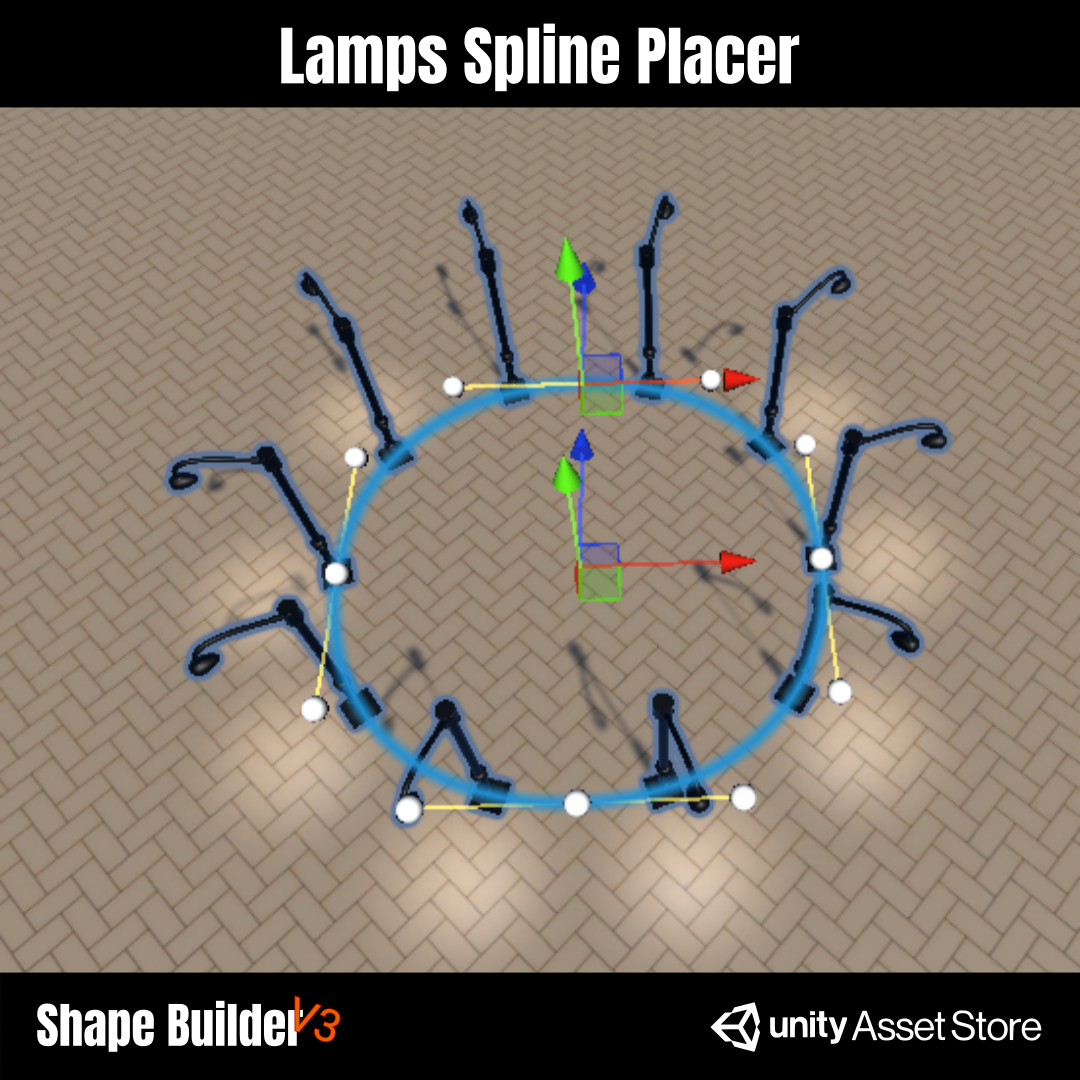
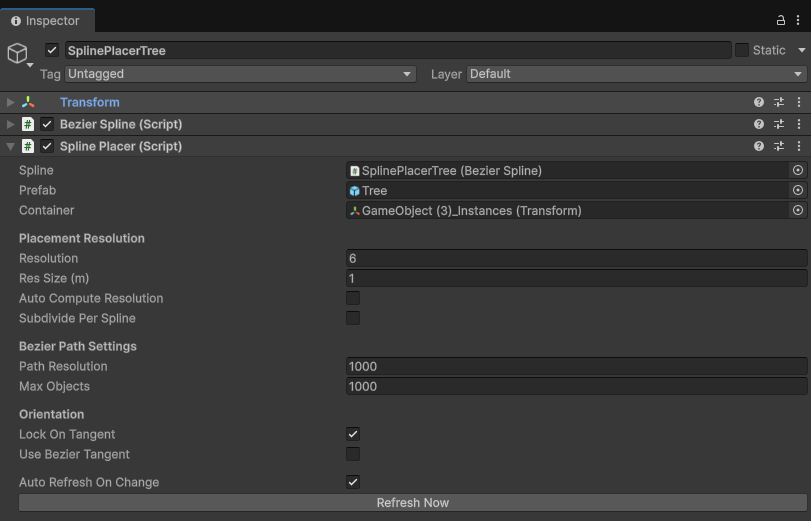
Place repeated prefabs along a Bezier spline while keeping the path editable. It is made for trees, lamps, rails, props, and modular details that need to follow a designed curve.
Pricing
ShapeBuilder is sold as a one-time license. Direct purchases are handled through Stripe, and the Unity package is sent to the email address used during checkout.
Direct license
Best value for independent developers and teams. After purchase, ShapeBuilder V3 is delivered by email from business@strixcorporation.com.
Unity Asset Store
Available through the official Unity Asset Store for teams that prefer Unity package management, invoices, and account-based purchases.
Final renders
These are not layout placeholders. They are the kind of finished result the site should use to prove what the tool can build.
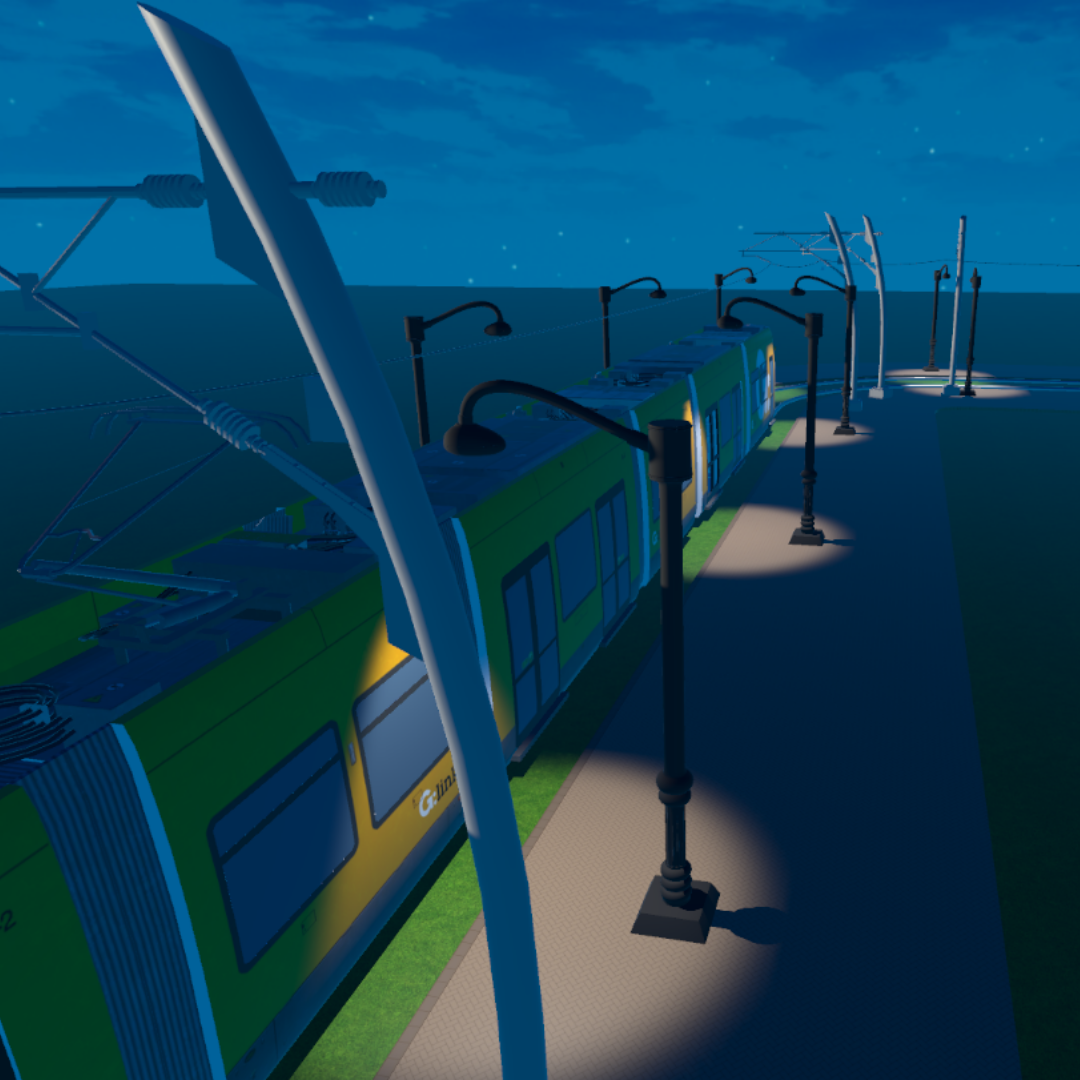
Large scene composition made from generated and spline-driven shapes.
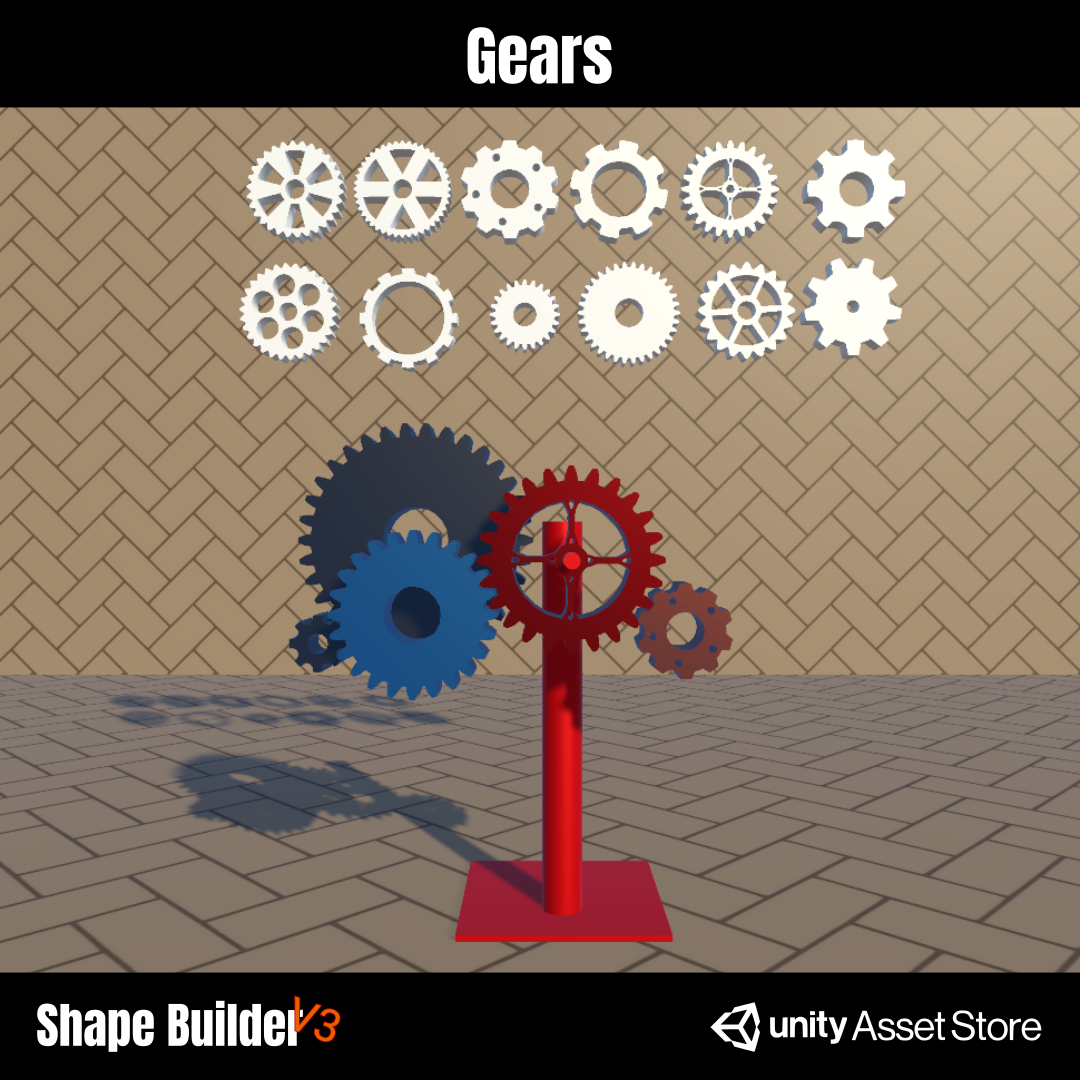
Mechanical forms built from editable profiles and generated meshes.
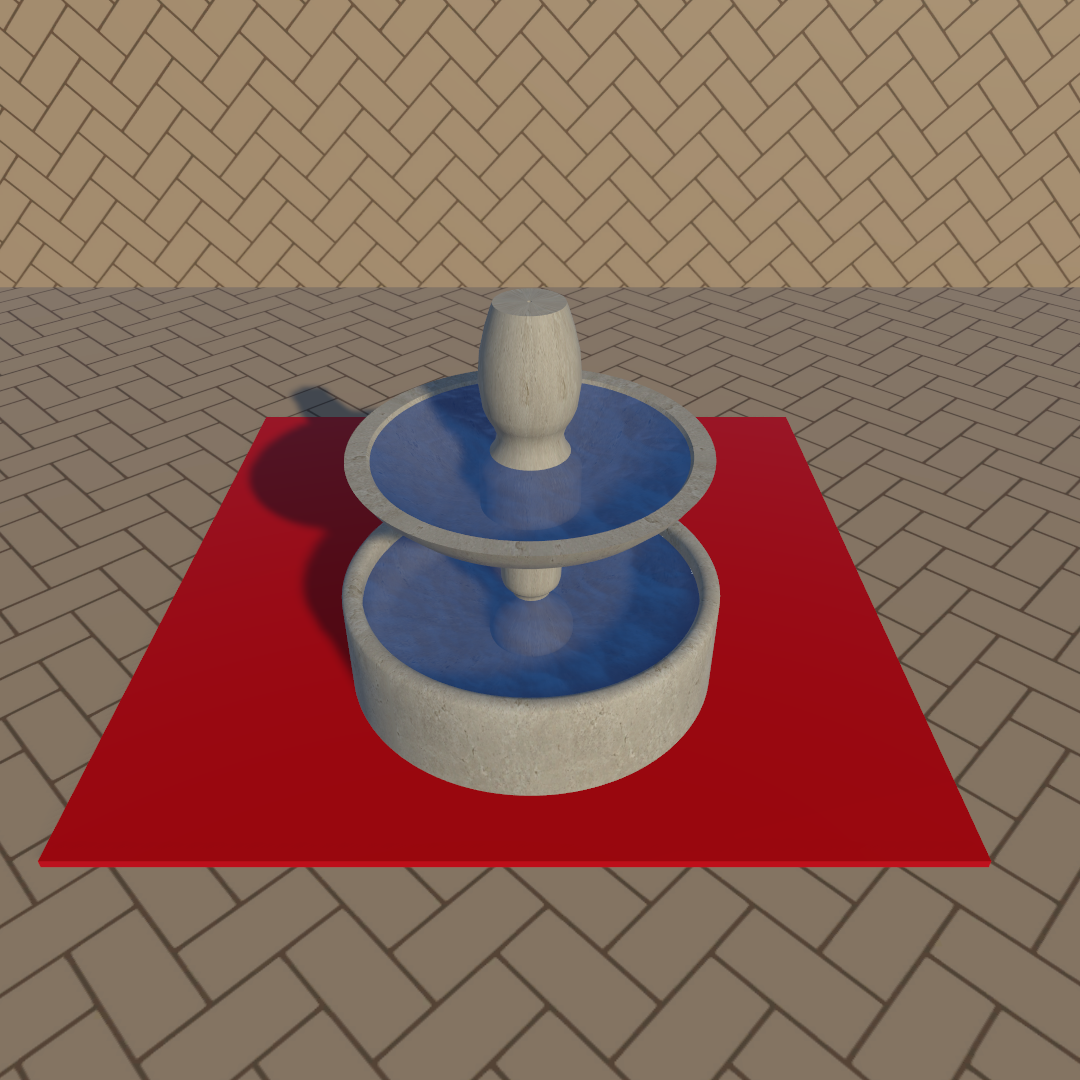
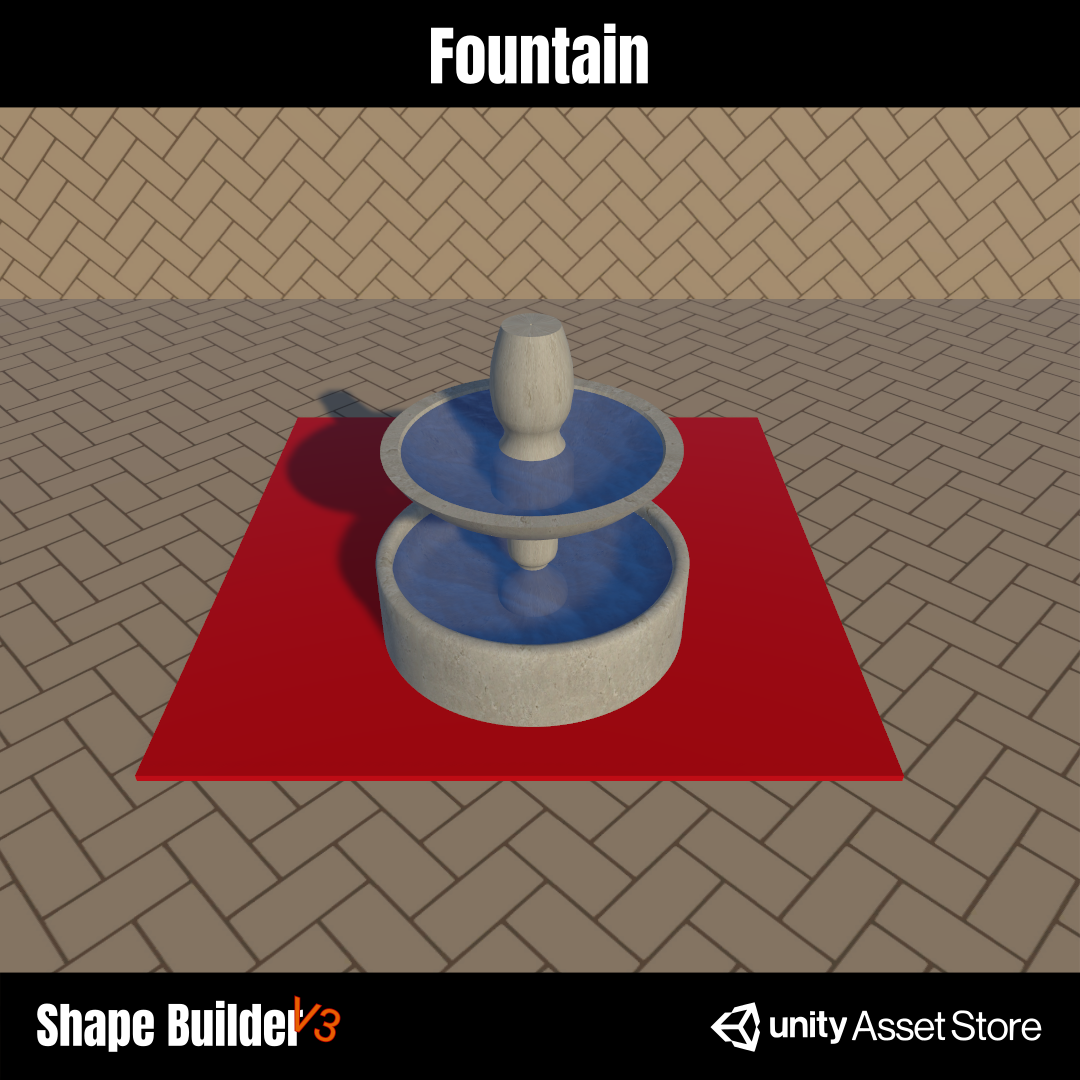
A clean generated object showing layered circular geometry and final materials.
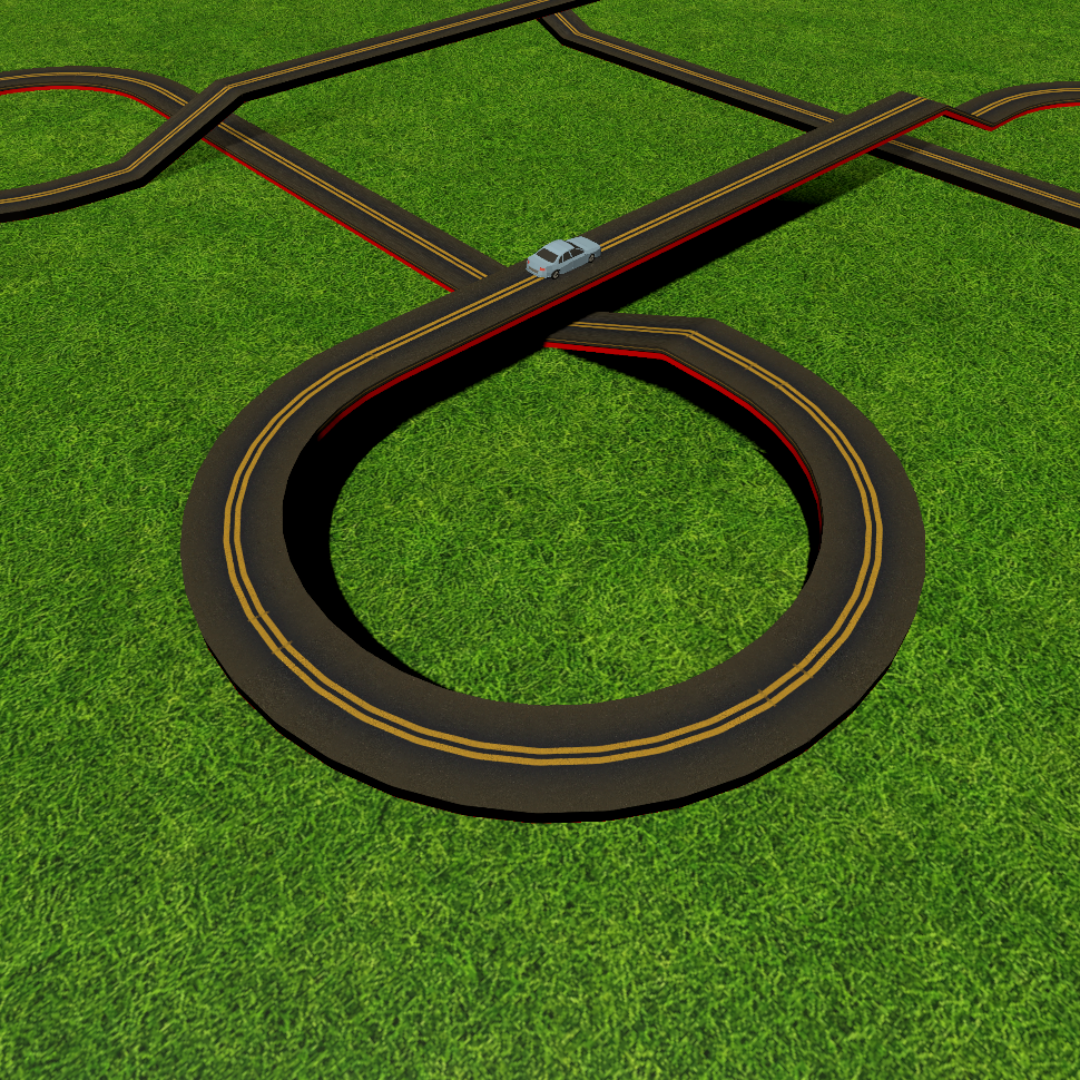
A curved extrusion following a designed path with a consistent road profile.
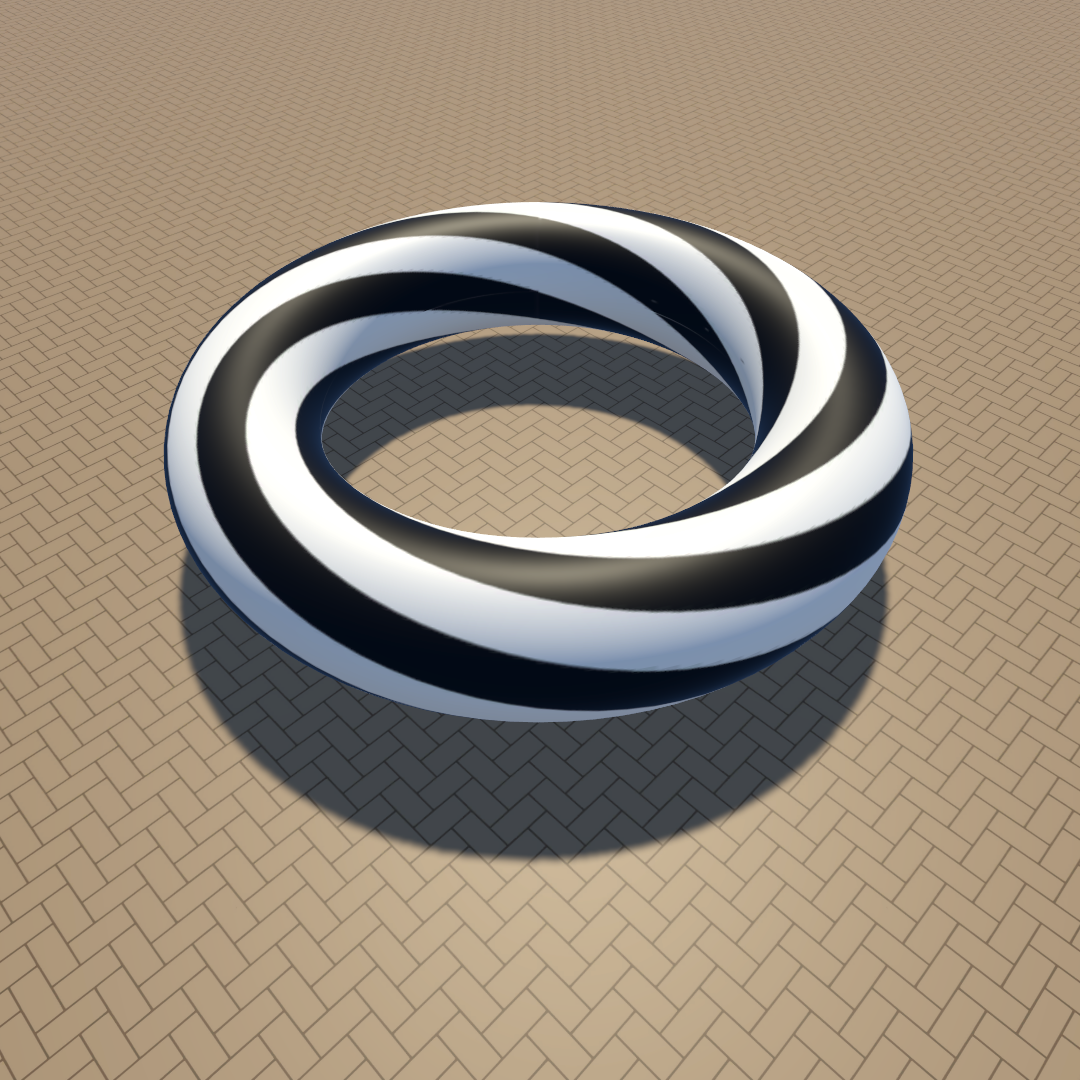
A closed extrusion showing custom UV mapping and textured side surfaces.
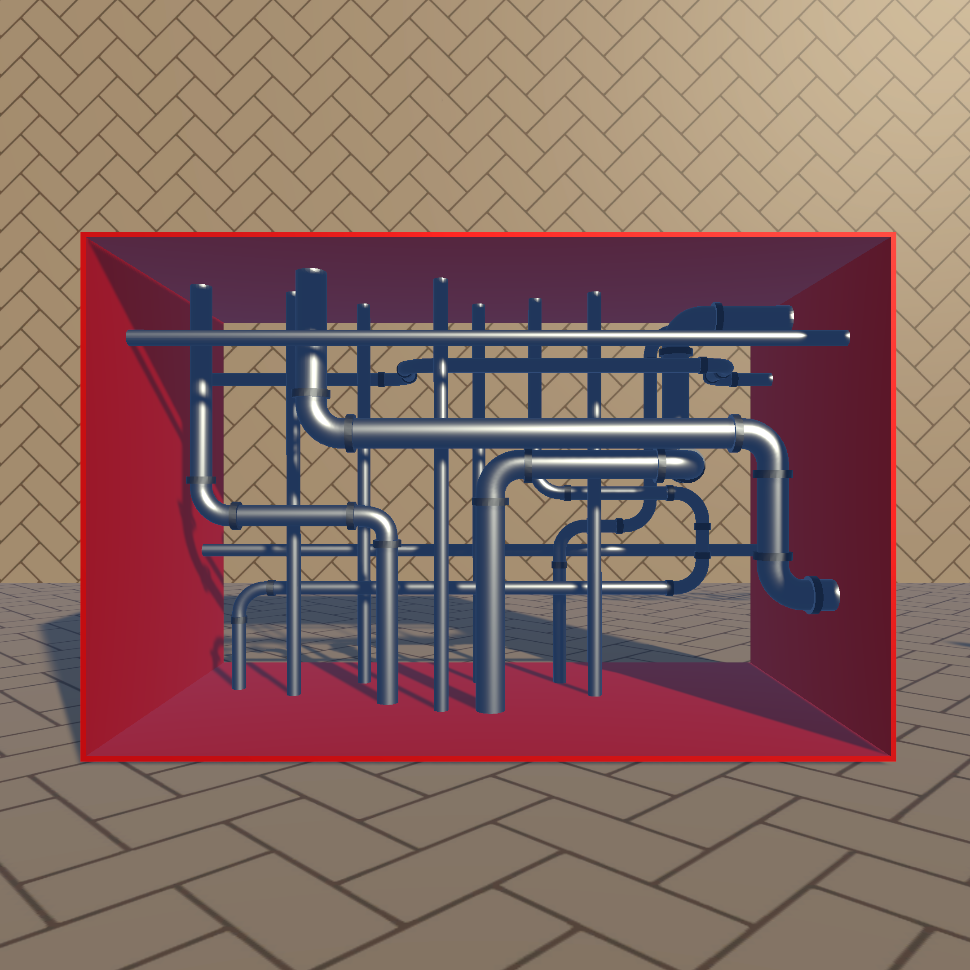
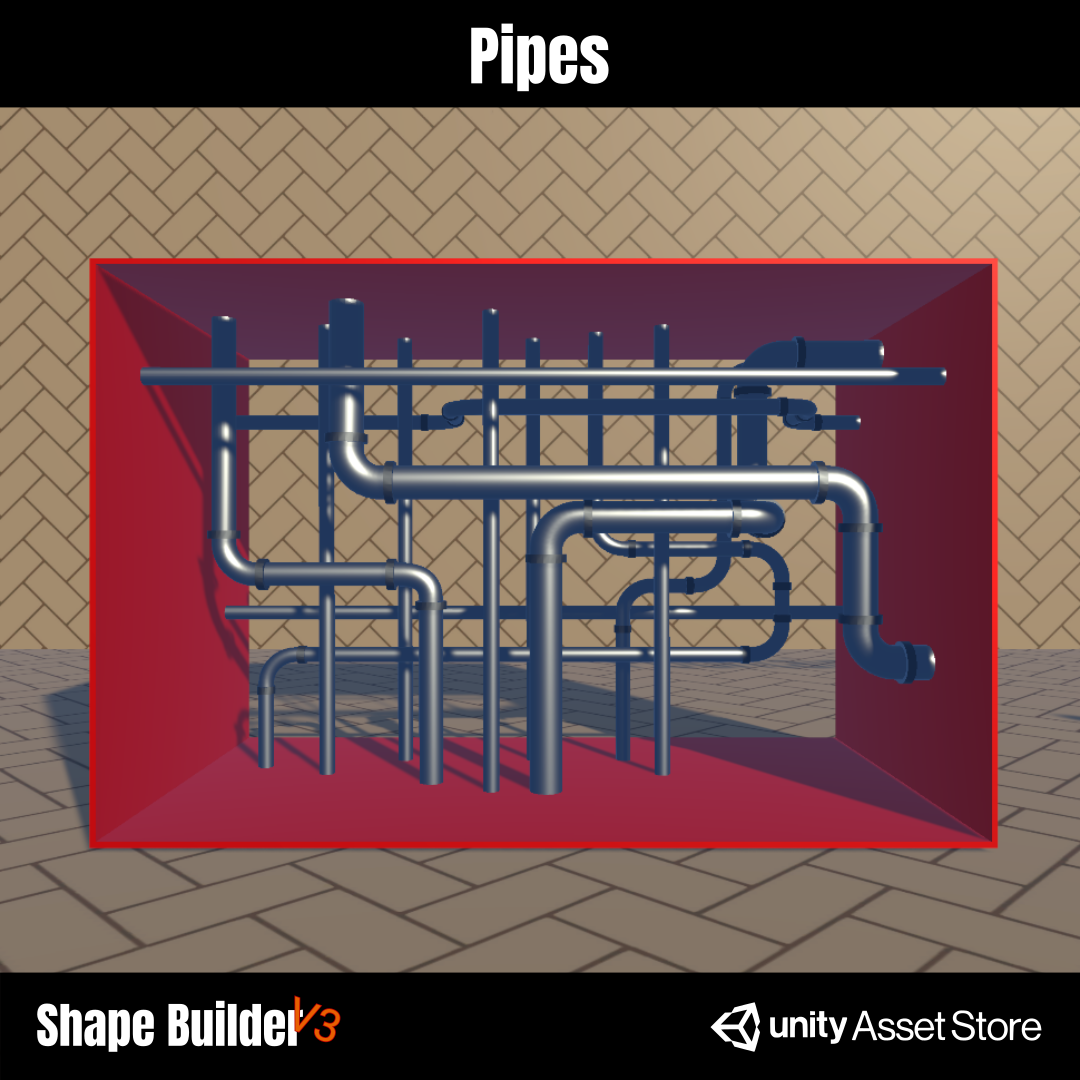
Bezier-driven pipe networks with caps, bends, and generated side surfaces.
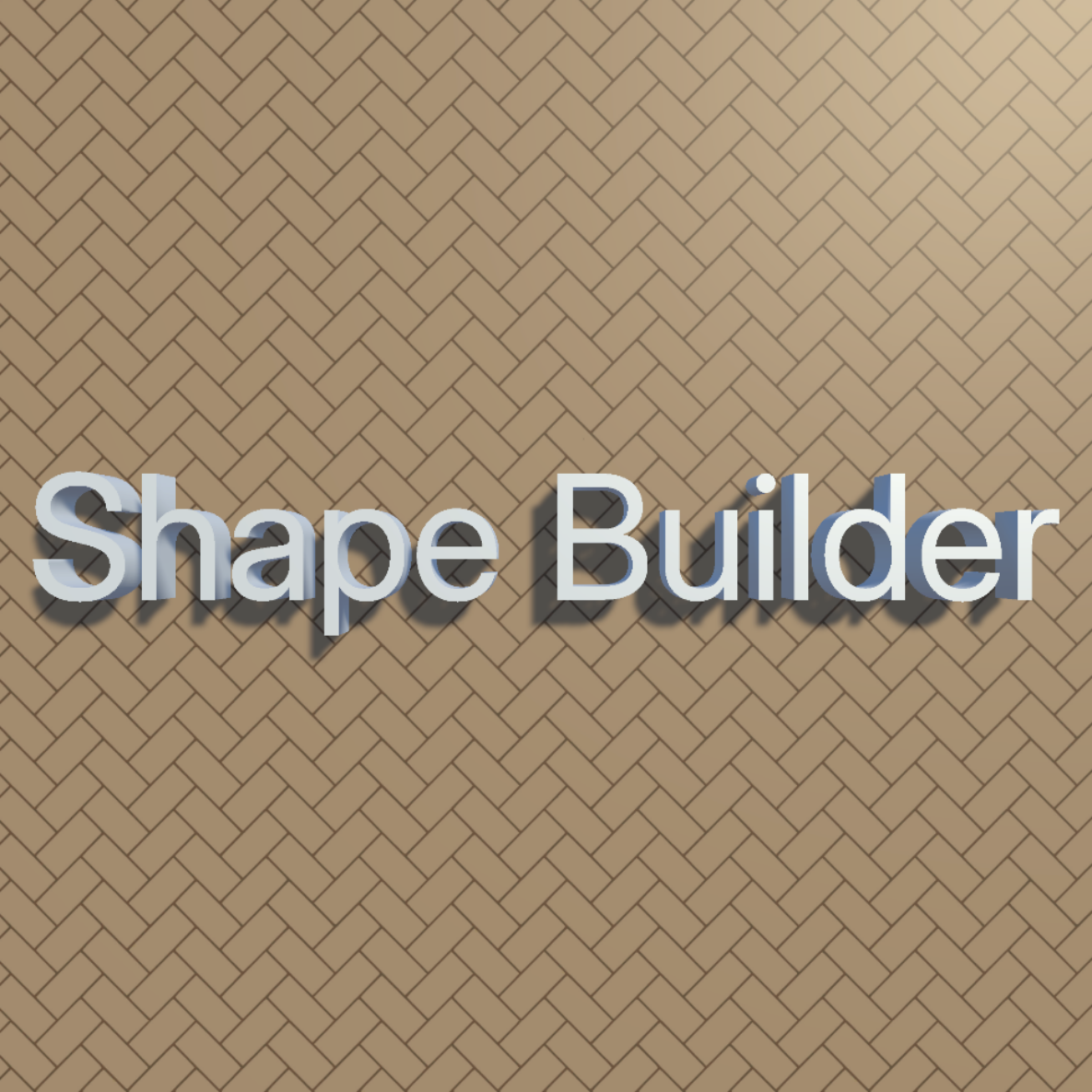
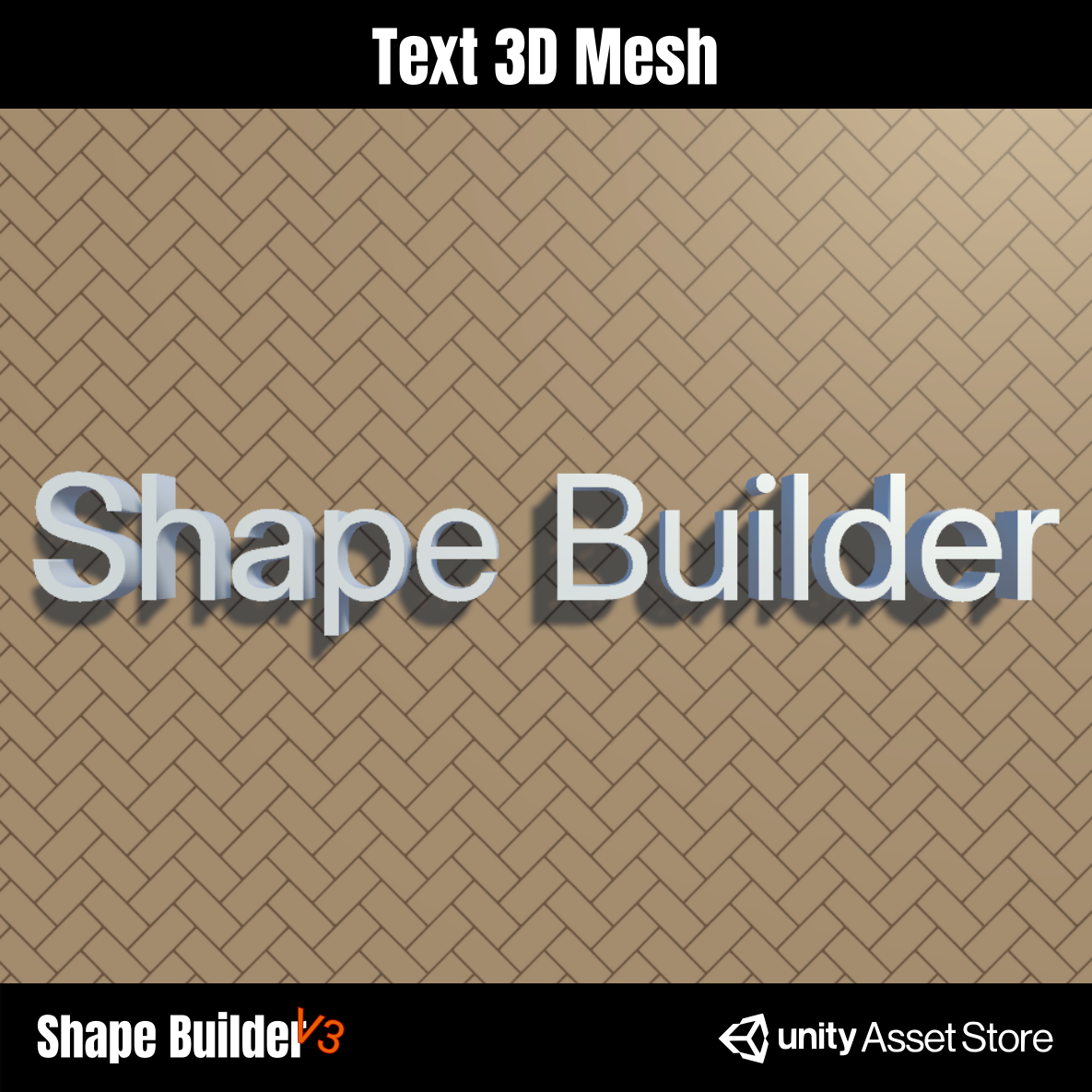
Outlined letter shapes converted into final 3D geometry.

Filled 2D graph shapes with holes and layered contours.
Repeated objects distributed along an editable spline path.

Multiple generated 2D gear meshes arranged as a finished object.
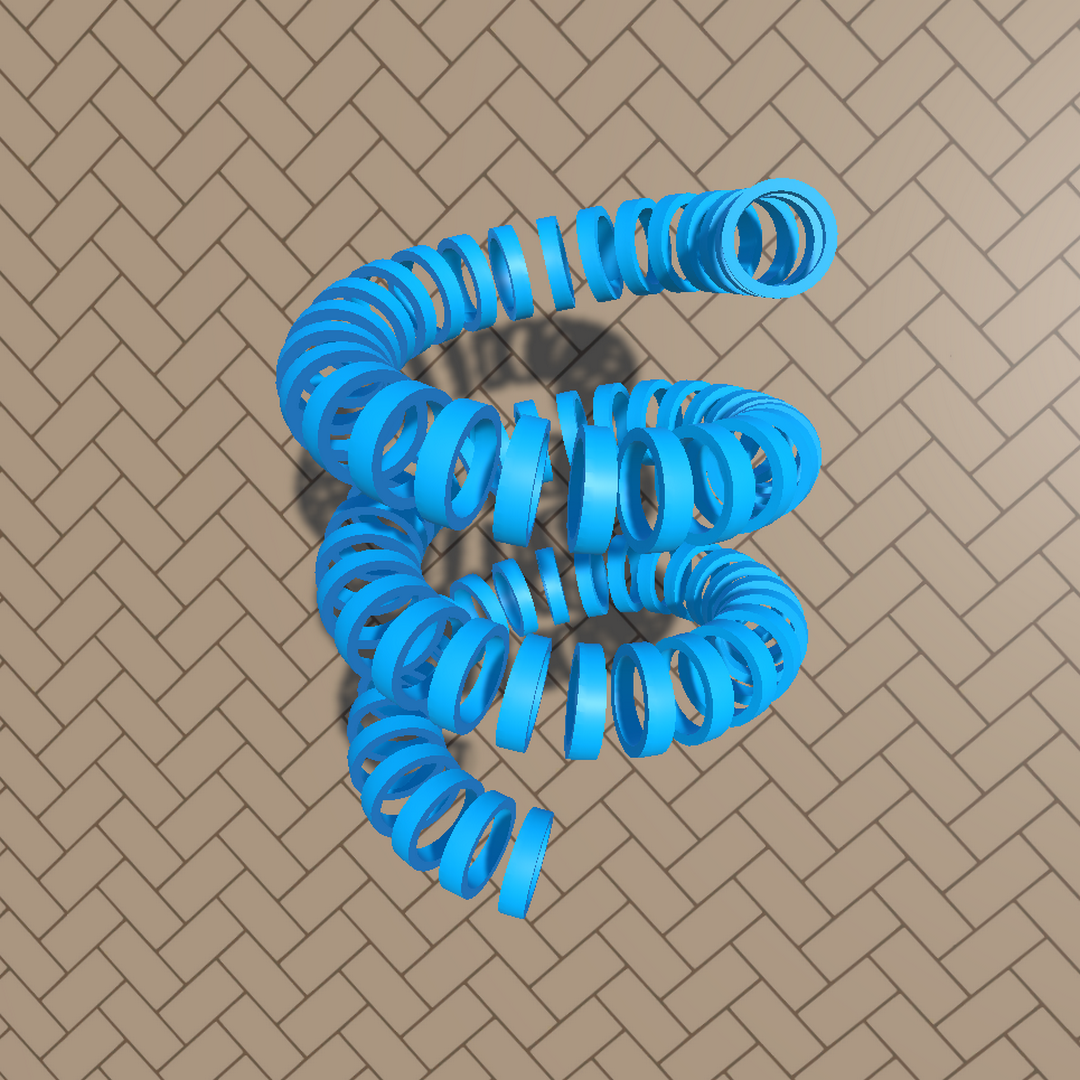
Generated strip surfaces following spline and outline construction data.
Using it in Unity
ShapeBuilder is built around editable construction data. Start from a prefab or component, edit the paths and profiles in the Scene view, then generate the mesh when the result is ready. The full documentation explains each component and setting in detail.
ShapeBuilder keeps UV mapping inside the generated mesh workflow. 2D graph shapes can export a UV reference image, while extruded shapes can separate side faces, start caps, end caps, and loop regions into different atlas areas.
The inspector captures below are covered in the documentation page, with practical notes for setup, Bezier editing, Shape2DGraphSpline, OutlineBezierShape, SplinePlacer, SVG import, UV mapping, and troubleshooting.
Credits
Some demo scenes include external assets used for presentation. ShapeBuilder itself and the generated meshes are separate from these credited resources.
Contact: business@strixcorporation.com